One unified feed
Every source, one view
Insights pins, Explore saves, Studio generations — no tabs, no handoff. All one board, tagged by source.
Insights · Explore · Studio
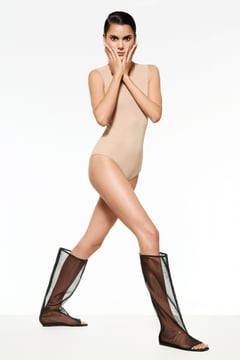
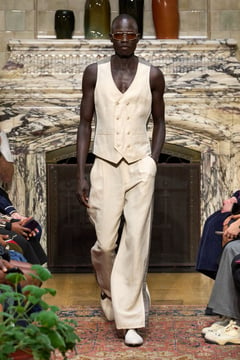
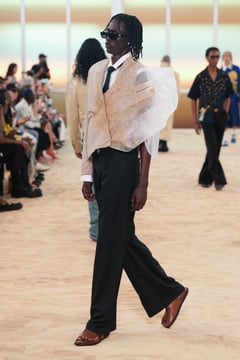
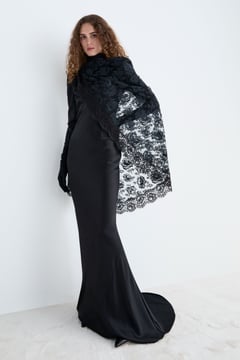
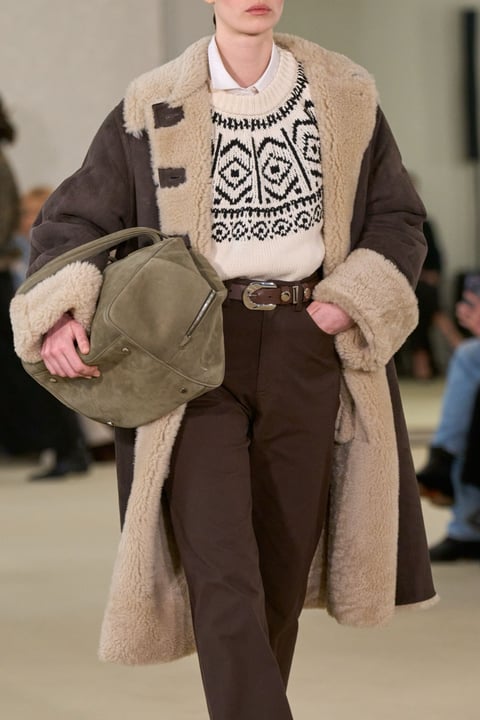
Gather the season in one place. Pins from Insights, searches from Explore, sketches from Studio — all in a shared board your team can open, edit, and walk into review with.
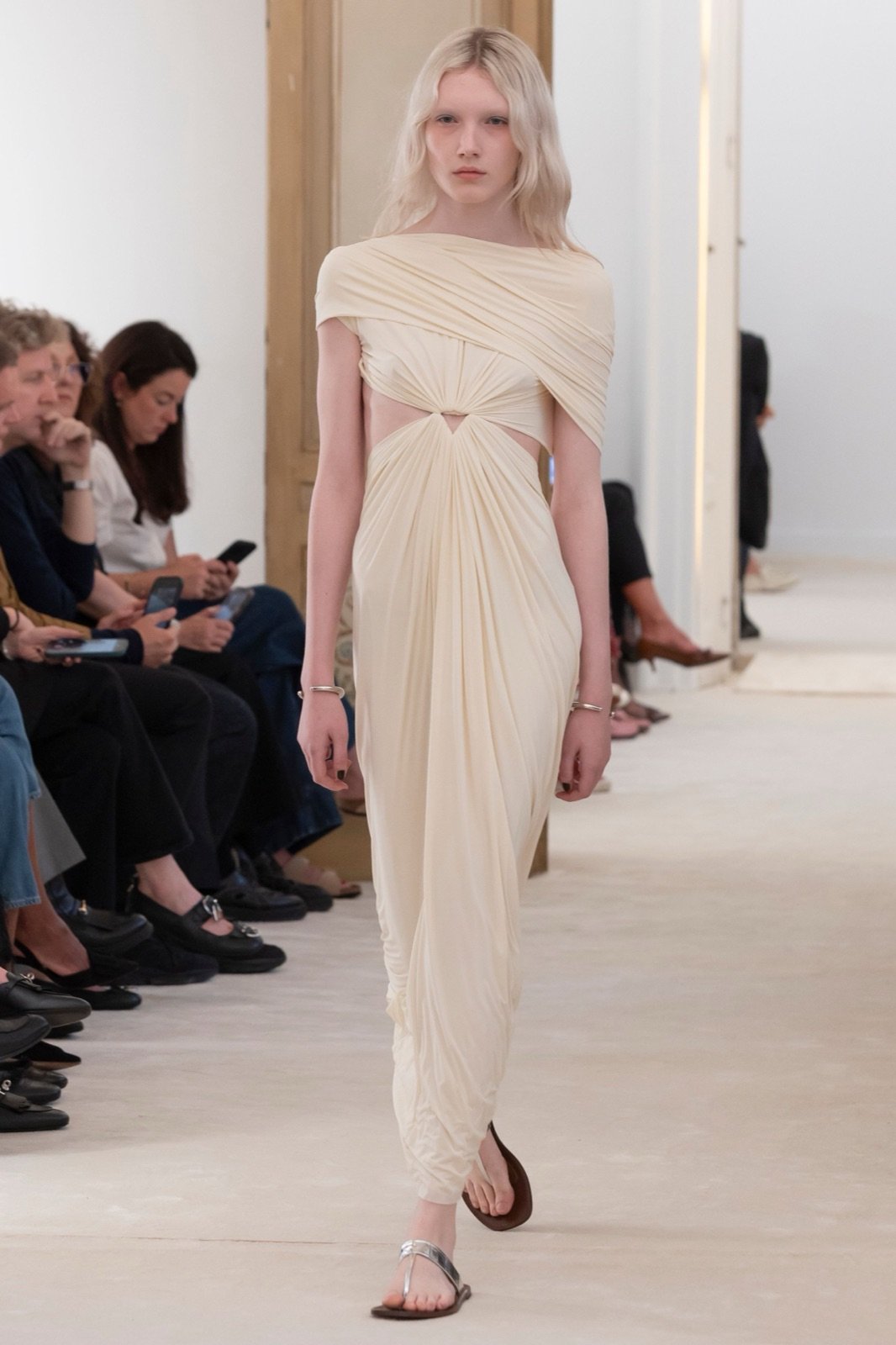
Alberta Ferretti · Pinned from Explore
Resort 2026
28 items





A moodboard that speaks every part of the platform. Trend reads, saved runway, generated directions — pinned together, tagged by who added what. The whole season in one screen.
Resort 2026
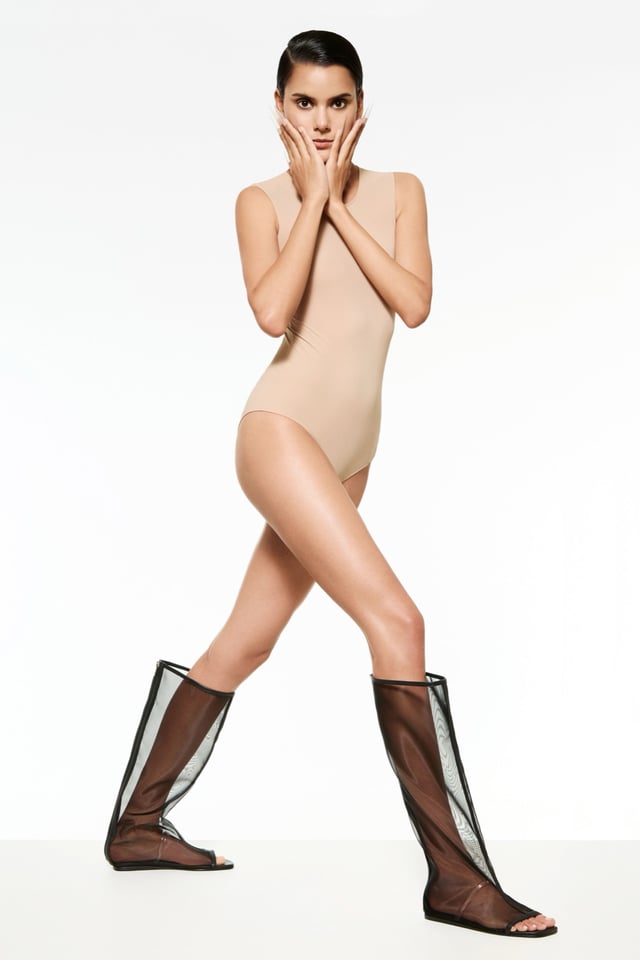 InsightsEM
Sheer Organza Layering
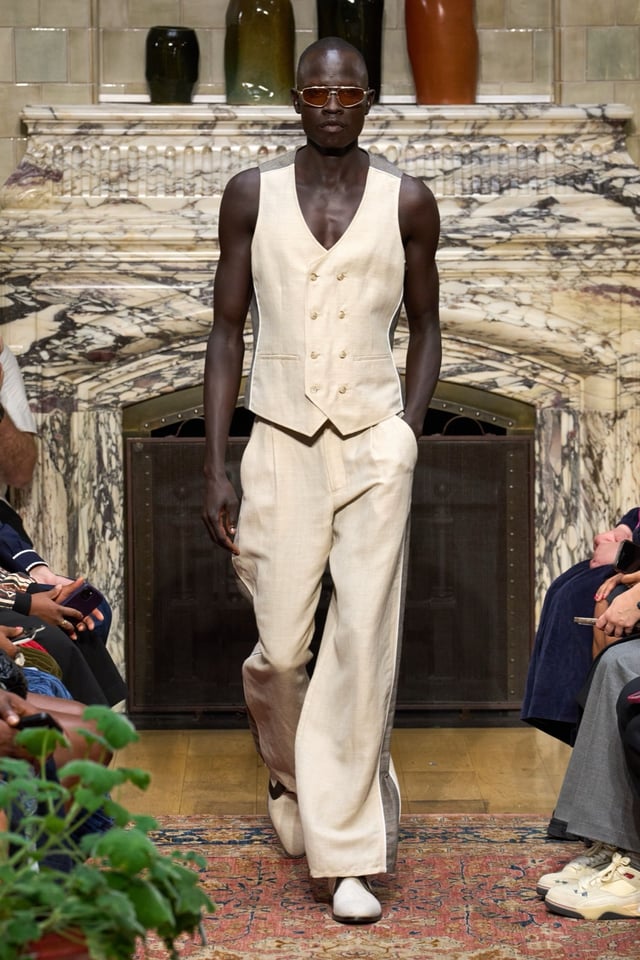 InsightsRK
Soft Tailoring
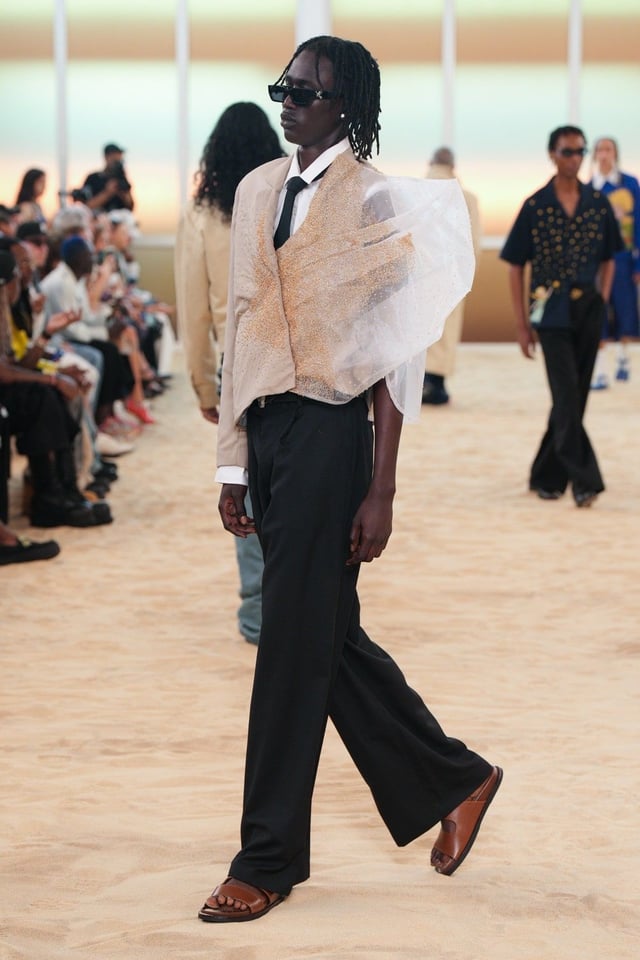 InsightsLF
Volume Skirts
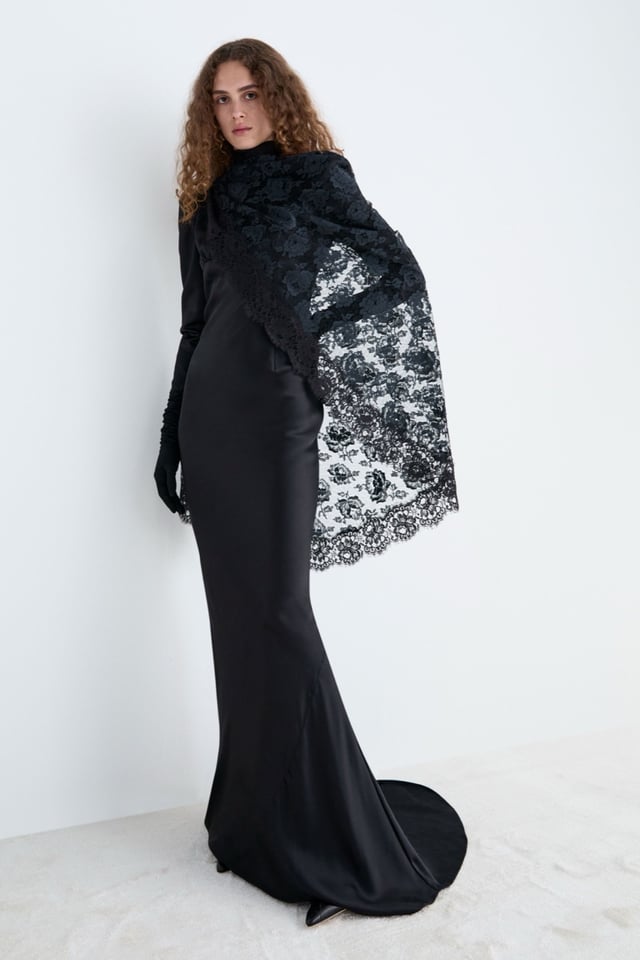 ExploreEM
Alessandra Rich · Look 9
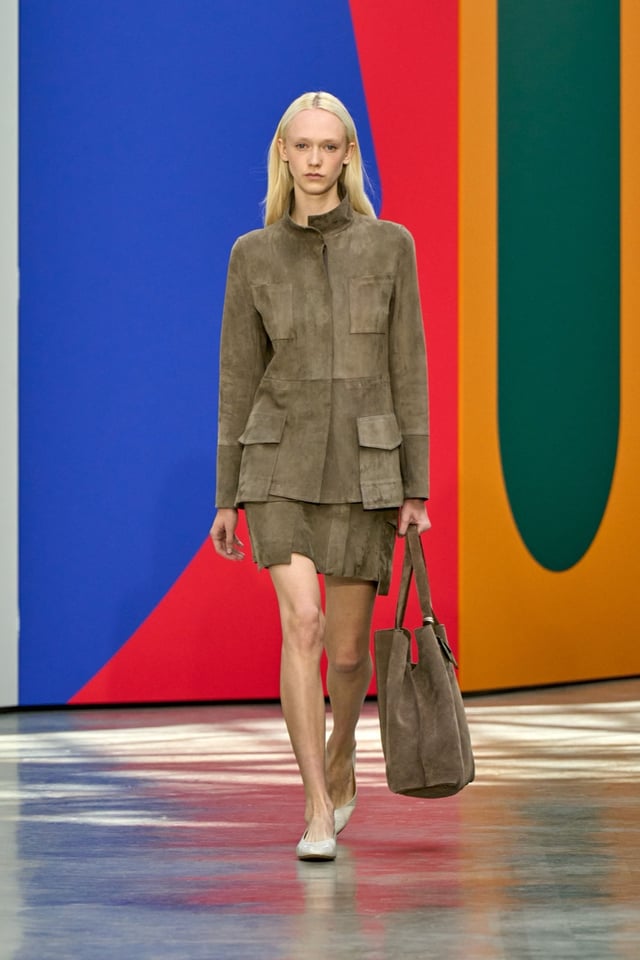 ExploreRK
Akris · Look 7
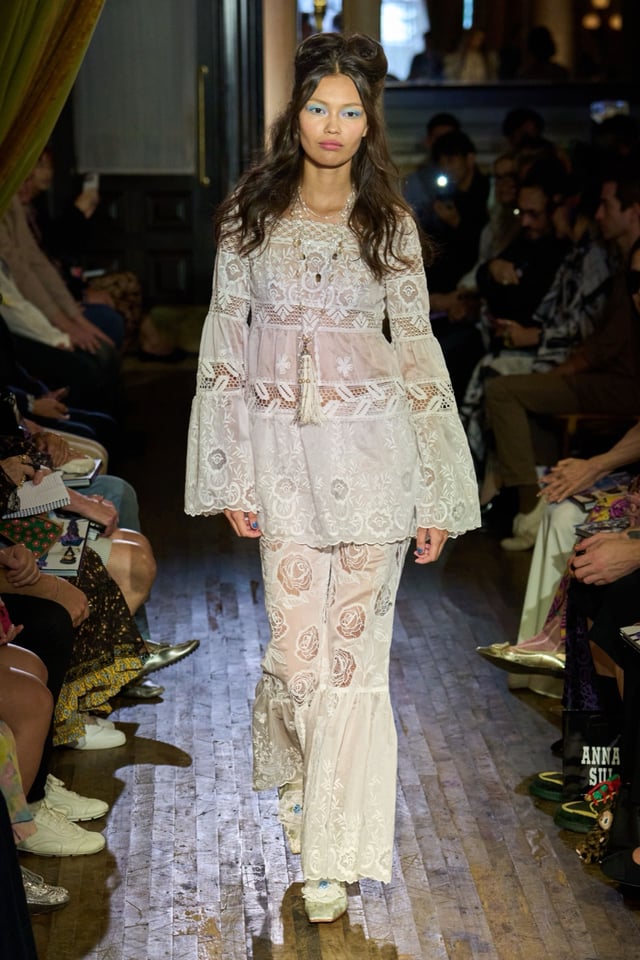 ExploreLF
Anna Sui · Look 8
28 items · updated just now
Boards are where references become a point of view. Trained on thousands of shows and 2,800 Pantone tones so every pin carries its metadata through.
Every source, one view
Insights pins, Explore saves, Studio generations — no tabs, no handoff. All one board, tagged by source.
Insights · Explore · Studio
Pantone-tagged at the board level
Attach a palette to the board itself. Every pin inherits the tones — ready for colour cards and tech packs.
Pantone-tagged at the board level
Four people, one reference shelf
Each pin carries who added it and when. The board reads like a design conversation, not a dumping ground.
Four people, one shelf
See it land the moment it's added
Teammates drop a look while you're in the board — it lands with a soft glow, their initial on the pin.
Added just now
Send to the team, walk into review
Share a link, invite a stakeholder, walk in with the board open — no more pasting screenshots into slides.
One link, any stakeholder
Find that reference from three seasons ago
Every pin indexed across every board. Search by color, silhouette, designer or query — across your whole archive.
Search every pin, every board
Boards follow the rhythm of a design session. Pin what matters, arrange it with intent, walk the team through. Everything else lives in the product.
Mode 01
from any source
Pin from any product, one click
Pin a trend from Insights, a saved look from Explore, a generated direction from Studio. One click from any product into any board.
Mode 02
with intent
Group, caption, rearrange
Group by direction, attach a palette, caption the POV. Boards read like a design argument, not a Pinterest dump.
Mode 03
with the team
Editors, viewers, read-only — one link each
Invite teammates as editors, share a read-only link with stakeholders, walk review with the board open. No slide decks.
Design and merch used to argue about which references mattered. Now they argue about which one wins.
Boards show up different for every brief — the structure is the same, what you put in it isn't.
Every pin carries its source · palette · contributor
Season kickoff
Pin the top signals from Insights, surface the references from Explore, caption the direction. Walk into kickoff with the board already formed.
Client pitch
Every pin carries its metadata — the trend metrics, the runway show, the Pantone code. Pitches become conversations about evidence, not taste.
Cross-team sync
Share the board read-only with merch or marketing. They see the references, the palette, the POV — without needing a walkthrough.
Archive and search
Every board is indexed. Searchable by palette, silhouette, designer — across every season, every project, every contributor.
The end of every Insights read, Explore search and Studio generation — the place where the season stops being scattered tabs and becomes one shared point of view.
One shared board for the whole team — pins, palettes, generations, side by side.
Pin from anywhere in the platform, share with the team, walk into review with the references already speaking.
FAQ
Fashion moodboard software is a tool for collecting visual references - runway looks, fabrics, colors, AI-generated concepts - into shared boards that fashion design teams use to align on direction for a season or collection.
Pinterest is a personal image-saving tool. T-Fashion is built for fashion teams: every reference comes from runway shows, social-media imagery, or AI concept generation grounded in fashion signal, with structured metadata (designer, season, garment, color), team-level boards, comments, and version history.
Yes. Boards are shared by default within a workspace. Designers can add references, leave comments, organize sections, and export client- or stakeholder-ready versions.
From three sources: structured Fashion Week imagery and signals captured by T-Fashion Insights, social-media imagery searchable via Explore, and AI-generated concept variants produced in Studio. All references are linked back to their source context.
Yes. Moodboards can be exported as image grids or polished decks that preserve attribution and reference context, suitable for buyer presentations or client decks.
For fashion teams, in most cases yes. Standalone moodboard tools are media-agnostic and require designers to find and import references manually. T-Fashion combines reference discovery, AI generation, and team boards in one workflow.