Season & City
Filter by every season, city
Follow new shows as they arrive, and explore past seasons across cities from one searchable archive.
20+ seasons · 12 cities
FW26SS27Resort 27ParisMilanNew York
One search bar, 550K+ runway photos. Describe the look the way a designer would — a season, a city, a fabric, a feeling — and Explore reads every filter in your sentence.
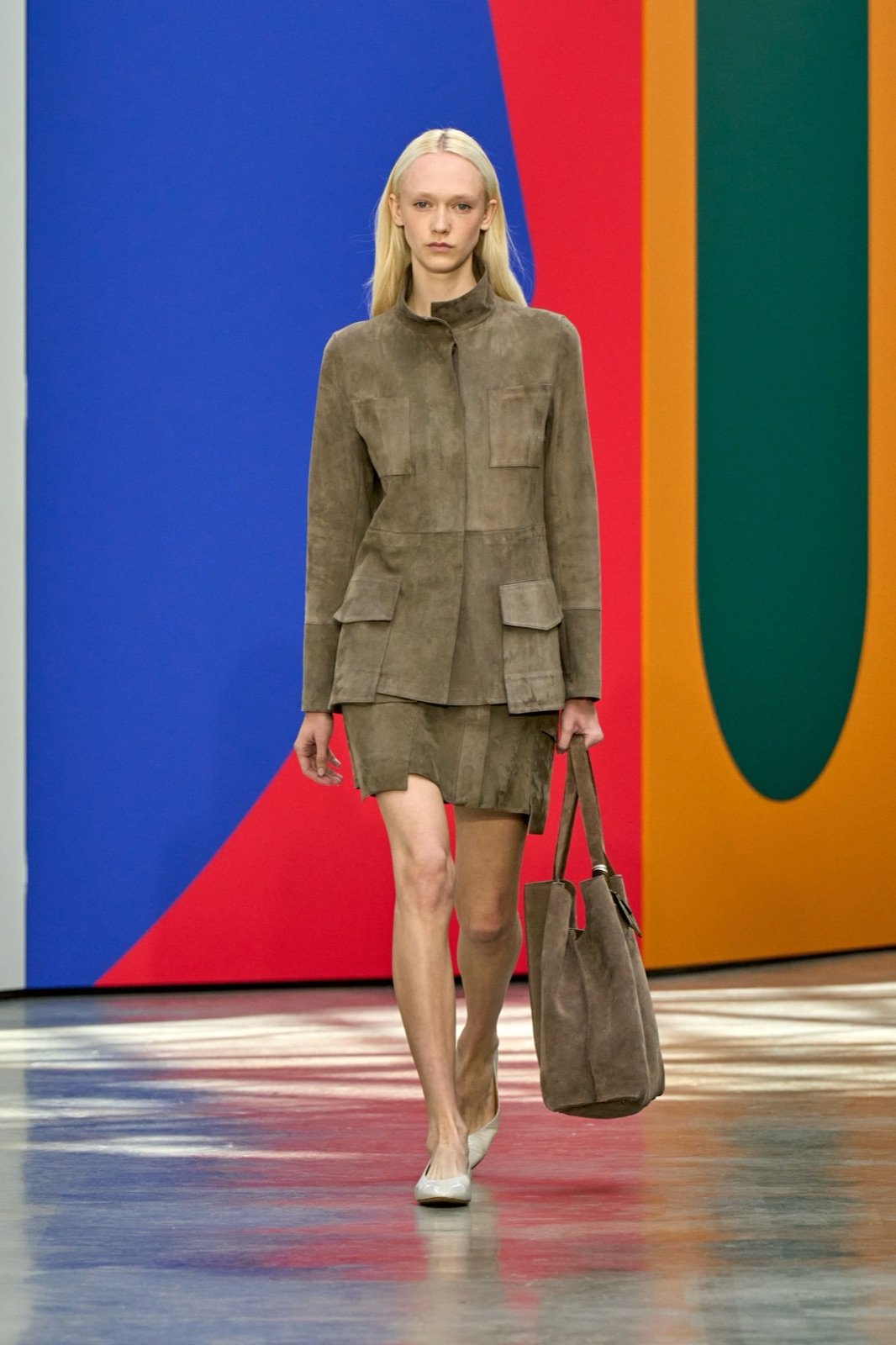
Akris · FW2026
Searching 550K+ photos...







Search for any fashion detail you can describe — from categories, colors, fabrics, and patterns to moods, themes, silhouettes, and designers.
Type any mix of season, city, category, color, fabric, pattern, designer, or theme — Explore turns your query into filters as you search across 550K+ runway photos.
Filter by every season, city
Follow new shows as they arrive, and explore past seasons across cities from one searchable archive.
20+ seasons · 12 cities
Pantone mapped palettes
Search one color, a palette, or a mood like “warm neutrals” across the full 2,800-tone library.
Across 2,800 Pantone tones
Pristine
TCX 11-0606
Black Beauty
TCX 19-3911
Emerald
TCX 17-5641
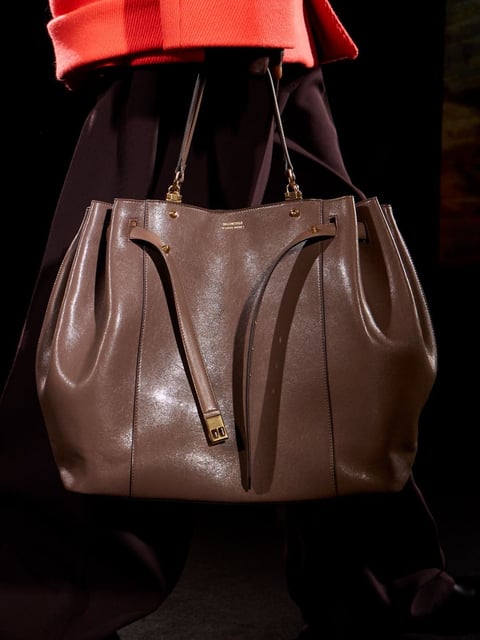
Category and attribute-level search
Move from category-level search to specific items like funnel jackets, midi dresses, tailored coats, and more.
51 apparel types
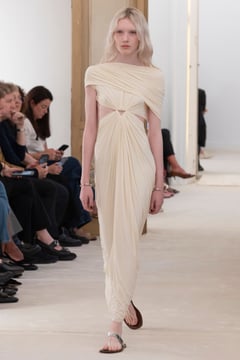
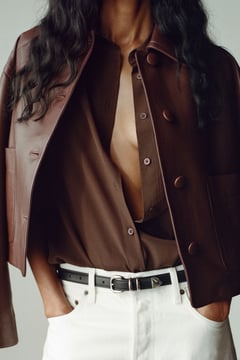
Textile direction at a glance
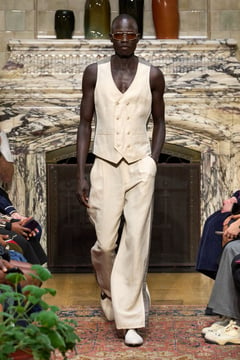
Filter across 39 fabric types, from silk and leather to denim, organza, cotton, linen, and more.
39 fabrics, full textile library
Search by 30+ pattern types
Search florals, checks, stripes, abstracts, graphics, and more across shows, designers, and seasons.
40 patterns tracked
600+ designer archives in one place
Search the designers you track and uncover new runway references across similar aesthetics.
600+ designers covered
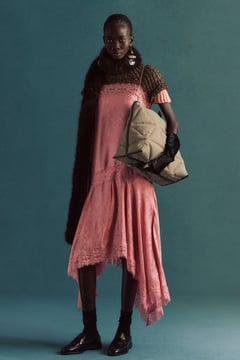
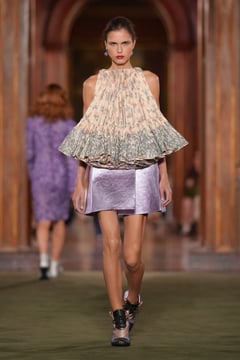
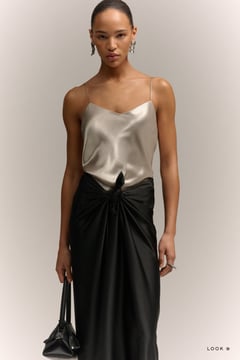
Start with a fashion theme, narrow by exact attributes, or search similars. Explore helps you find the runway looks that match your idea.
Mode 01
Search by mood, aesthetic, or theme
“old money aesthetic”
Type a theme like "old money aesthetic" and find runway looks that match the aesthetics behind it.
Mode 02
Detail filters
Season
FW26
City
Paris
Apparel
Midi Dress
Color, fabric and pattern signals mapped visually
Narrow results by the details — from season and city to apparel type, color, fabric, pattern, and garment attributes.
Mode 03
Select a look, find similar looks
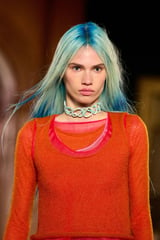
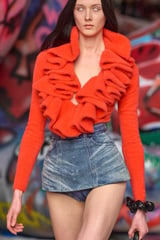
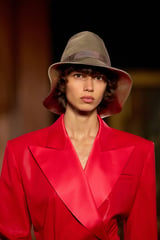
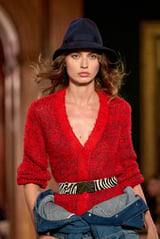
Select one reference, find similars
Start from any look and find similar runway references by silhouette, color, fabric, styling, and visual composition.
What used to be days of searching across sources now starts in one place. We find the references, build the direction, and move into collection work much faster.
Start from a theme, a detail, a brand, or a reference image, then turn the search into creative direction.
Thematic search
Search moods, aesthetics, and concepts, then turn them into runway references for boards and direction.
Detailed filtering
Filter by category, color, fabric, pattern, designer, season, city, and garment attributes.
Visual similarity
Upload or select a look, then discover similar runway images by silhouette, color, fabric, and styling.
Creative workflow
Save the looks into boards, share them with your team, or use them as inputs for Studio.
Insights turns runway data into structured season signals — then carries those colors, silhouettes, fabrics, patterns, and references into Explore, Studio, and Moodboards.
Track runway shows and find inspiration across 550K+ photos. Use filters and thematic search.
Get runway intelligence overnight — then turn Fashion Week into clear direction your team can search, create from, save, and share.
FAQ
Visual search lets fashion designers find runway and social-media imagery by visual similarity rather than keywords - by silhouette, color, fabric, pattern, or natural-language descriptions like "tailored shoulder, drop hem".
Runway shows from major fashion weeks, presentations, lookbooks, and a curated set of social-media imagery. Each result is structured with designer, season, look number, garment type, color, and material context.
Yes. Upload or paste a reference and T-Fashion returns visually similar runway looks. You can refine results by garment type, color, era, or designer.
Google Images and Pinterest return crowdsourced web imagery without fashion-specific structure. T-Fashion searches across structured runway and fashion events, with metadata at the look and garment level, so results are ready for design use.
Yes. Any result can be added to a shared moodboard with one click, preserving the source context (designer, show, season).
Yes. Garment type filters include accessories, bags, footwear, jewelry, headwear, and other categories - with the same visual-similarity ranking applied within each category.