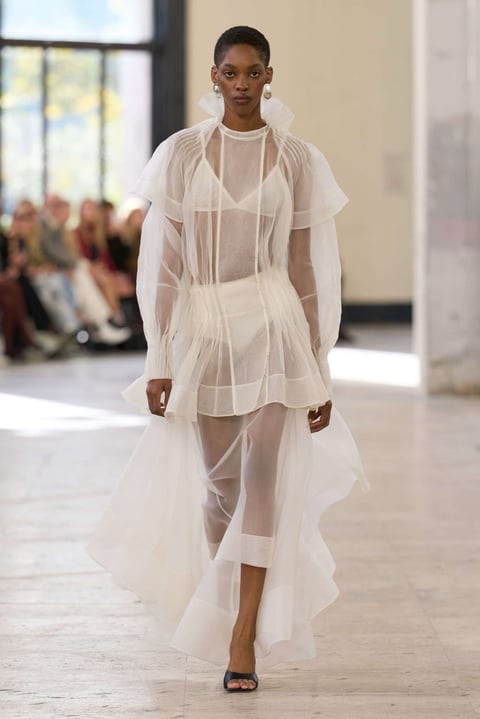
Editorial concepts
Turn inspiration into fashion designs
Turn seasonal inspiration into designs, create variants, and add fashion details with your design assistant.
Concept actions
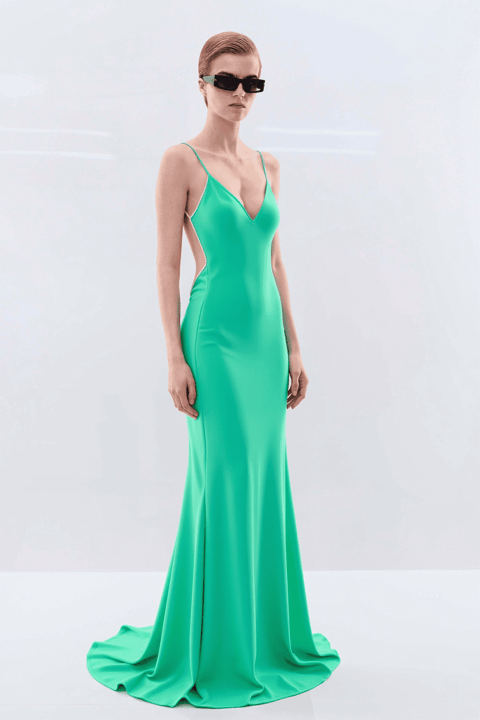
Color variantPrint variantRefine silhouette
A fashion-trained AI partner you brief the way you brief a designer. Attach a reference, a Pantone tone, a sketch — and iterate, change the waist, shift the palette, turn any direction into a technical sketch.
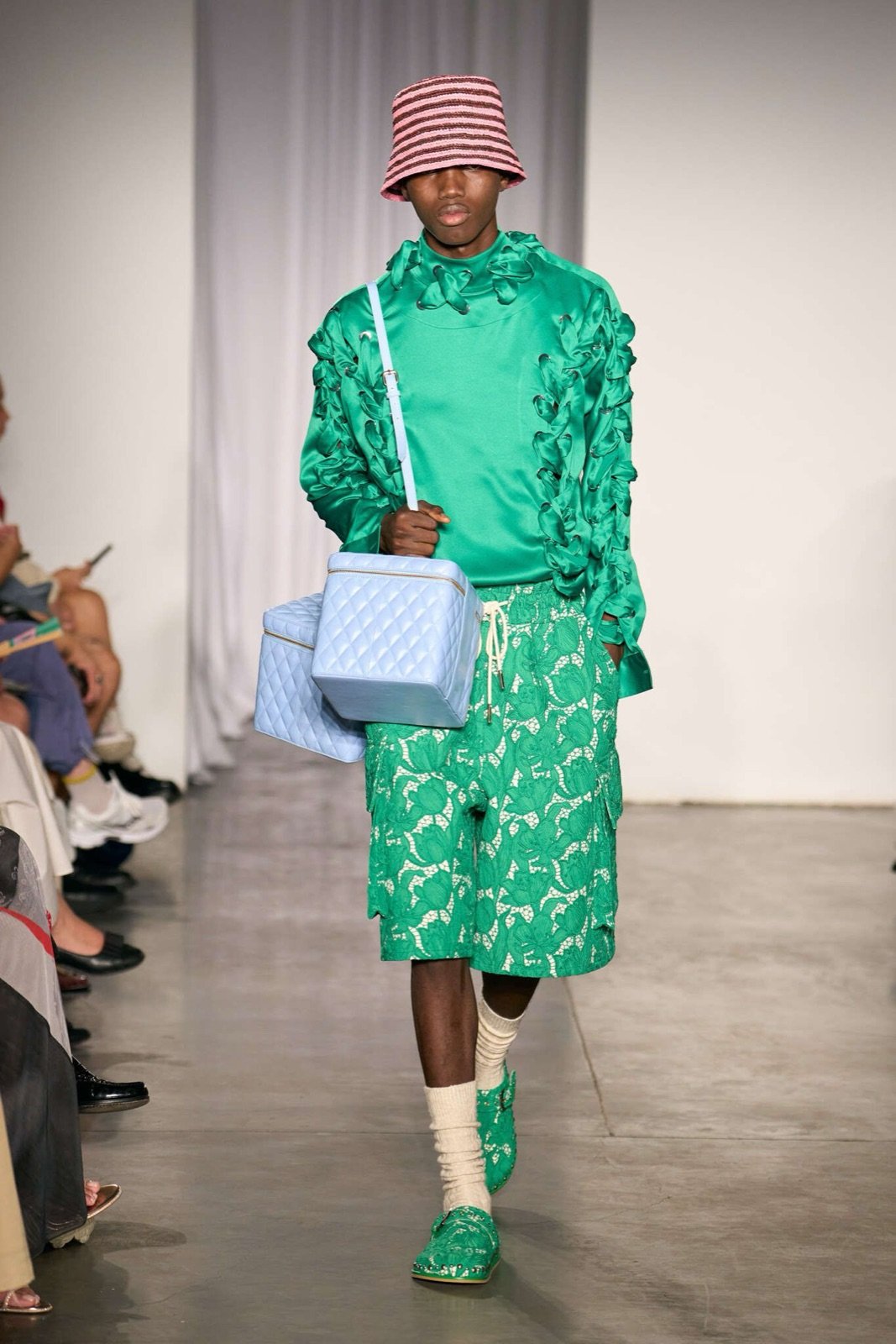
Aknvas · Studio generation
 Carla ZampattiMint Green
Reading your brief…
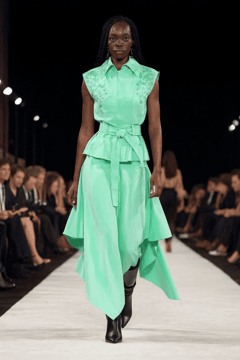 AI
AI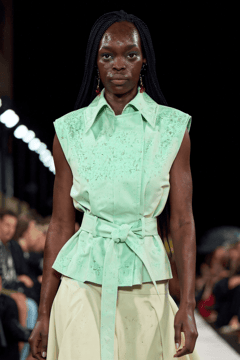 AI
AI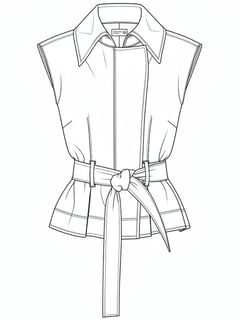 AI
AI





Start from a reference image or describe the direction in your own fashion language. Change colors, add patterns, explore fabric variants, and keep iterating until the idea is ready.
Studio · Resort 26
New conversation
One brief, many outputs. Studio connects runway intelligence, references, and Pantone-aligned color direction to generate fashion-native outputs
Turn inspiration into fashion designs
Turn seasonal inspiration into designs, create variants, and add fashion details with your design assistant.
Concept actions
Sketch it. Render it. Refine it.
Turn any design into a flat sketch, or create new designs from your flat sketches.
Flats, on demand
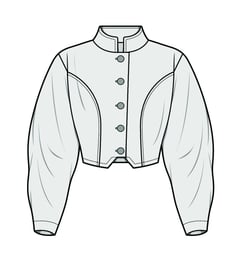 Sketch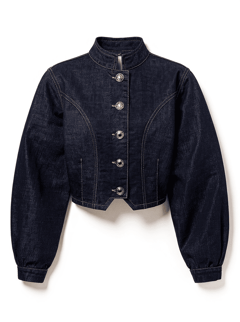
Speak in color, Studio finds the tone
Describe the color you want, and Studio translates it into Pantone-aligned tones for your design variations.
Across 2,800 Pantone tones
Pantone
Butter Yellow
11-0616 TCX
Pantone
Mint Green
17-6333 TCX
Pantone
Scarlet
19-1760 TCX
Pantone
Royal Blue
19-3955 TCX
Design from the references
As you track runway looks in the platform, your design assistant helps turn any reference into new designs and variants.
Any runway photo, any palette
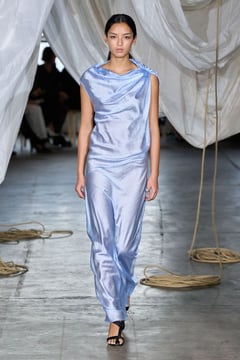
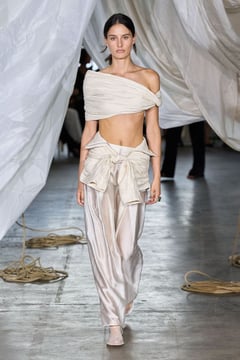
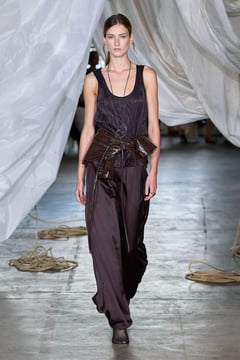
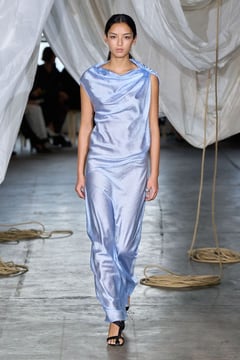
Nip the waist, shift the drape
Ask for a tighter waist, a softer hem, a different opening. Studio tracks every turn of the conversation across the session.
Every turn of the conversation
Create variants from any idea
Turn one concept into design, color, fabric, pattern, and styling variations with your fashion design assistant.
Pick the one, not the only one
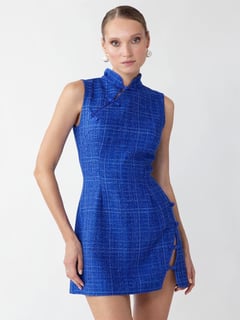
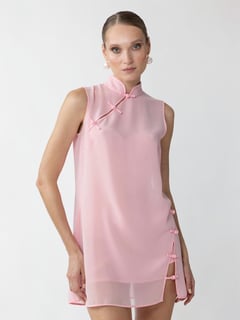 Pick
Pick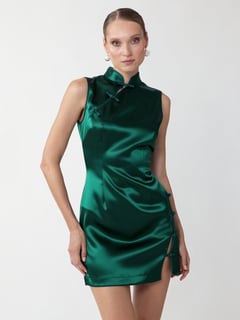
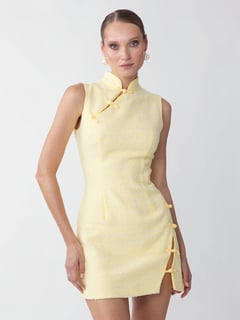
Describe the idea, attach a reference, or refine what Studio returns. Every input stays in the same session, so the design direction keeps moving.
01
natural language
“Resort 26 capsule — Mediterranean feel, sheer organza layering, butter cream into sand.”
Describe the idea with mood, palette, silhouette, fabric, styling, and detail — Studio reads the full direction.
02
by image
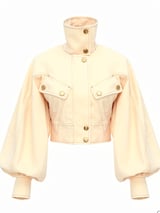
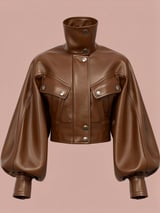
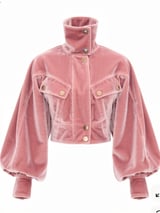
Attach runway, Pantone, sketch — any reference
Attach a runway photo, a saved look, a Pantone tone. Studio carries the palette, silhouette and fabric signature through every direction.
03
in conversation
Every turn carried through, in one session
Ask for a tighter waist, a different neckline, a cooler palette. Each turn refines the direction — the session remembers everything.
It feels less like prompting a model and more like working with a design assistant that understands the language of fashion.
From first brief to direction, Studio helps teams create, refine, and compare fashion-native design outputs in one flow.
Capsule kickoff
Describe the capsule mood, add references, and generate multiple design directions to begin the season with a clear point of view.
Reference-to-sketch
Turn any design into a flat sketch, or bring flat sketches back as new design images.
Colorway exploration
Studio turns your color direction into Pantone-aligned variations across your design outputs.
Design assistant suggestions
Studio understands the design you created and suggests fashion-native ways to refine it.
Every reference, every palette, every saved look is one click away. Studio reads from Insights and Explore, writes back to Moodboards — so nothing lives in isolation.
Turn seasonal signals into AI-generated concepts and visual variants with a fashion-native design assistant.
Use a brief, a reference, or a small edit to create and refine fashion-native design options.
FAQ
An AI fashion design workspace combines reference research, AI-assisted concept generation, and team collaboration in one tool. Designers brief an AI partner with text and reference imagery, iterate on apparel concepts, and save results into shared boards.
Generic AI image tools generate pictures from prompts with no fashion grounding. T-Fashion Studio is built on fashion-specific signal (runway, season, garment structure) and lets designers attach Pantone tones, fabric references, and runway looks as inputs - producing concepts that reflect real fashion direction.
Yes. Brief the AI with text, reference imagery, runway looks from Explore, and Pantone tones. The system uses these inputs to constrain the generated concepts.
AI-generated concepts are direction-ready - they communicate silhouette, color, material, and styling intent. Final tech-pack work and pattern engineering still happen downstream in your normal production process.
You do. Generated outputs are owned by your workspace and can be exported, shared, and used in any downstream design or production workflow.
Yes. Concepts and prompts are saved to shared boards. Team members can fork, comment on, and refine each other’s explorations.