For design teams
Runway analysis, built for design
Skip the weeks of scrolling. Open the season with a structured signal pack instead of a blank board.
- Color, silhouette, fabric, motif
- Data-backed direction
- Faster collection briefs
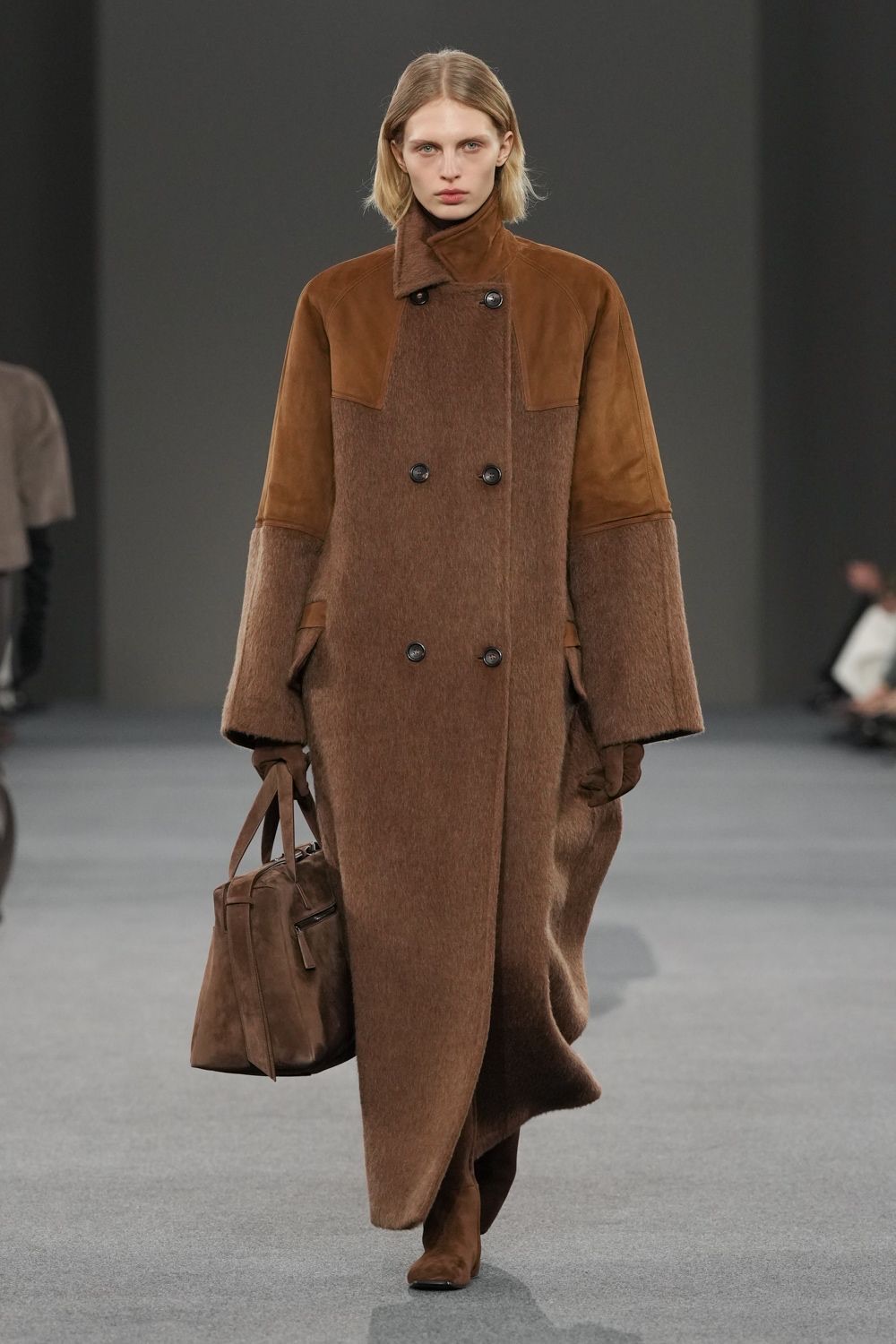
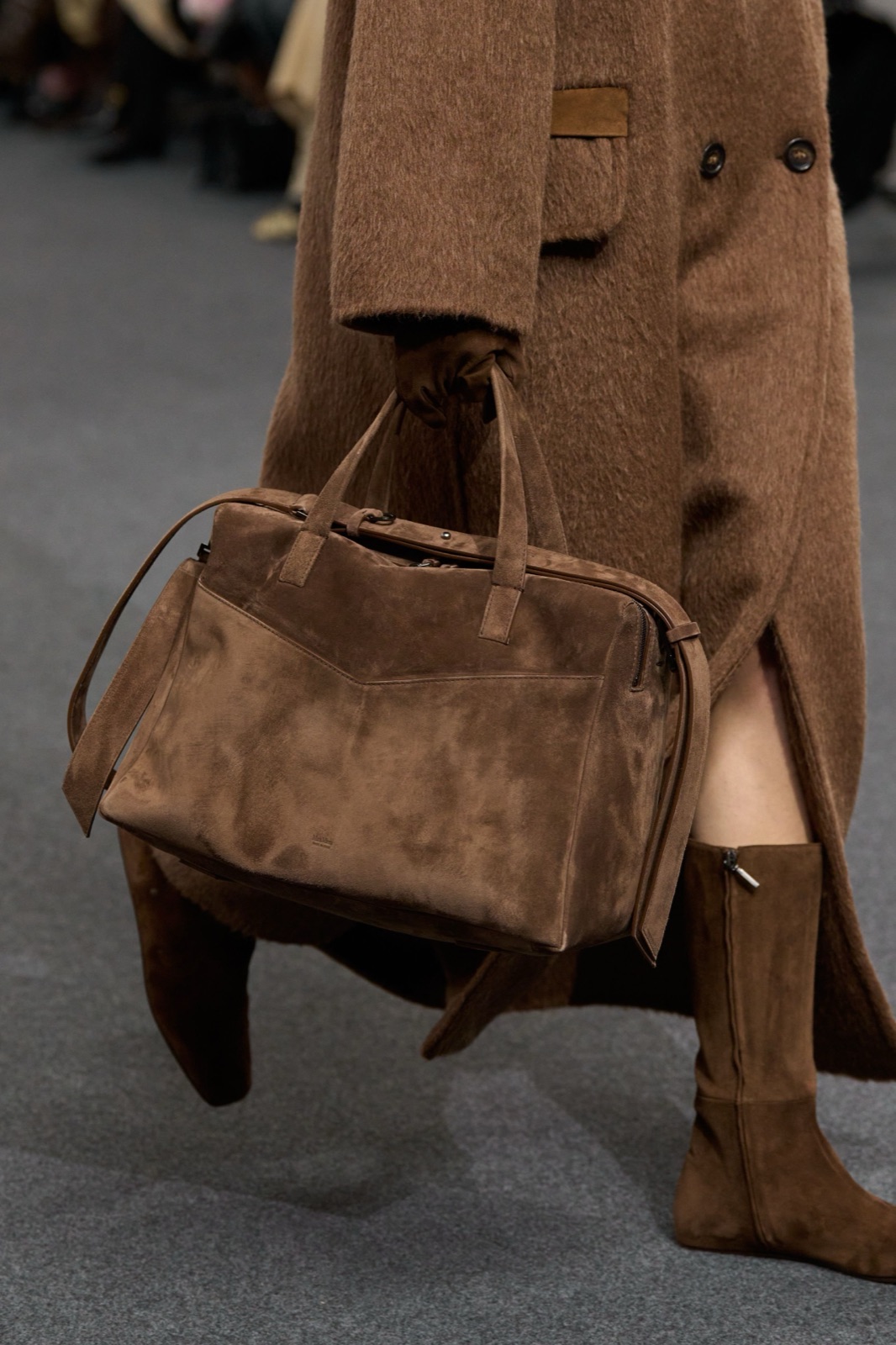
Max Mara · FW26
Pantone
Caramel Suede
17-1048 TCX




— On fashion design teams
"Designers should start the season with clear trend direction, relevant references, and tools to turn ideas into product."
01 — The pattern
Where fashion design teams lose time
-
Inspiration takes too many steps
Designers often move between reports, saved images, boards, and internal notes before a clear direction is ready to use.
-
References that lose their context
Saved images often travel without the show, season, look, color, or product context that made them useful.
-
Creative direction is hard to keep shared
Clear seasonal direction works best when every team builds from the same layer of data, references, and inspiration.
-
AI outputs need fashion structure
Prompt-only image tools can create visuals, but design teams need outputs grounded in garments, fabrics, silhouettes, and details.
02 — The workflow
From source to action, four steps
The same workflow runs across every team. The artifacts and language change with the role.
- 01
Read the signal
Capture runway, presentation, and street-level signal at the silhouette, color, fabric, print, and category level.
- 02
Find the references
Search by theme, visual similarity, or natural language to connect emerging directions with relevant looks, details, and design references.
- 03
Generate direction
Turn signal and references into AI-assisted concept variants grounded in real fashion structure.
- 04
Align the team
Pull everything into shared moodboards, comments, and exports the team and stakeholders can act on.
03 — Sample outputs
What design teams can act on
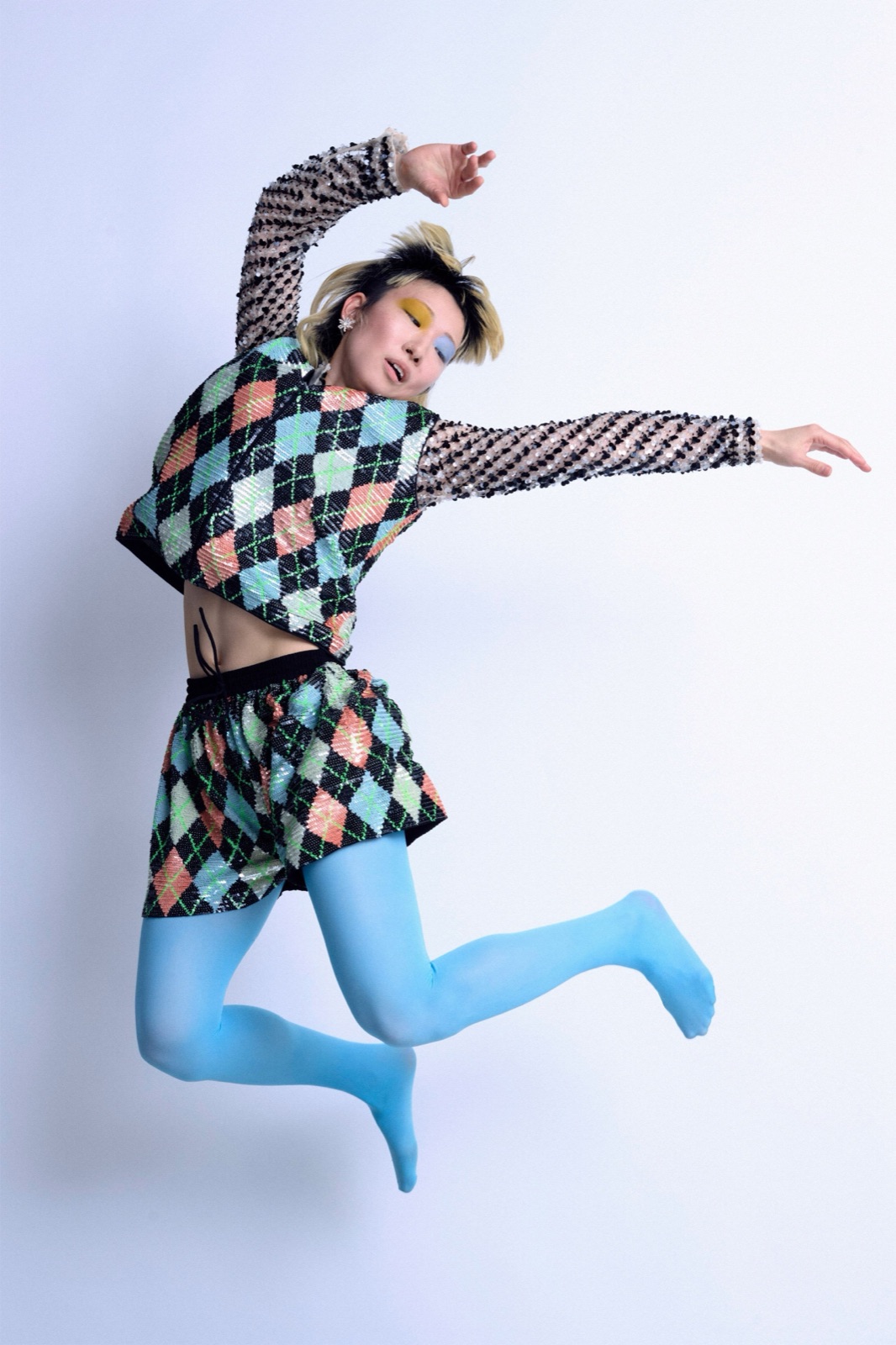
Ashish · FW26 · Look 14
-
Color Intelligence
Every garment is read through Pantone TCX color mapping, so teams can see which tones are rising across categories, designers, and product groups.
-
Silhouette shifts
Fit, length, waist, shoulder, hem, volume, and proportion are broken down into attribute-level signals designers can use directly.
-
Fabric & Pattern Signals
From leather, denim, satin, and organza to checks, florals, stripes, and animal prints — material and pattern movement is tracked across the season.
-
Thematic Understanding
Identify the themes shaping the season, see the data behind them, and search thousands of runway looks through AI thematic search.
-
Brief-ready Direction
Signals are turned into visual boards and clear direction notes your team can use in collection, product, and merchandising conversations.
04 — Use cases
Where runway intelligence supports your week
Use runway-backed insights across collection, buying, merchandising, campaign, and leadership conversations — without rebuilding the same research each time.
-
01
Season kickoff briefs
Start the season with runway-backed colors, silhouettes, themes, and references — not a blank board.
-
02
Concept exploration
Turn seasonal trend data into AI-assisted concept variations in Studio.
-
03
Creative direction reviews
Align design, product, and leadership around the same data before direction is locked.
-
04
Trend validation
Check whether a direction is isolated, recurring, or gaining momentum before your team builds around it.
-
05
Cross-category direction
See how a color, silhouette, fabric, or theme translates across womenswear, menswear, accessories, and product groups.
-
06
Season archive access
Explore past seasons, recurring brand codes, and runway references without rebuilding archive research from scratch.
— Methodology
Data-driven, fashion-native, collaborative
-
01
Thousands of runway looks are structured into garment-level data, with every signal linked back to its show, season, designer, and image.
-
02
Pattern recognition, not guesswork. T-Fashion compares signals across seasons, designers, categories, colors, fabrics, and silhouettes to show what is gaining or losing momentum.
-
03
Fashion-native language. Each look is broken down into fashion attributes from category, silhouette, fabric, pattern, and motif to 2,800 Pantone TCX color mappings.
-
04
Collaborative decision layer. Teams work from the same layer of data, references, boards, and AI outputs without losing context.
FAQ
Common questions
What does T-Fashion do for fashion design teams?
T-Fashion gives design teams a single workflow from runway and street signal to collection direction - structured Fashion Week intelligence, visual search across runway and social imagery, AI-assisted concept generation, and shared moodboards, all in one workspace.
How does it fit into our existing design process?
Most teams use T-Fashion in the early-to-mid stages: trend research, reference collection, direction setting, and concept exploration. Outputs flow into your existing tech-pack and production tools.
Can the whole team work in the same workspace?
Yes. Workspaces are team-level by default, with shared boards, comments, and version history. Roles cover designers, design directors, merchandisers, and contributors.
Is this a replacement for trend forecasting subscriptions?
For many design teams, yes. T-Fashion combines signal capture, visual reference, and concept generation in one workflow.
What categories of fashion does T-Fashion cover?
Womenswear, menswear, kidswear, and most apparel categories - including accessories, footwear, and jewelry - across ready-to-wear and selected couture coverage.
Other teams
Same workflow, different lens
-
Fashion Brands
Fashion intelligence, across the brand
View solution → -
Merchandising & Buying
Trend intelligence, for buying and merchandising
View solution → -
Product Development
Product-side intelligence, from brief to sample
View solution → -
Trend & Insights
Trend synthesis, at fashion week speed
View solution →
Get started
See your next season, structured
Bring an upcoming season or category. We will run a sample runway analysis and walk through how it slots into your design workflow.