Brief the season
Surface the shifts that matter.
- Start with
- One season, market, or category question
- Work through
- Organize color, item, material, silhouette, and styling evidence.
- Continue with
- Concise cited brief with collection implications.
T-Fashion Agent compares seasons, markets, designers, colors, prints, and materials, then turns the evidence into a cited brief or editable Moodboard.
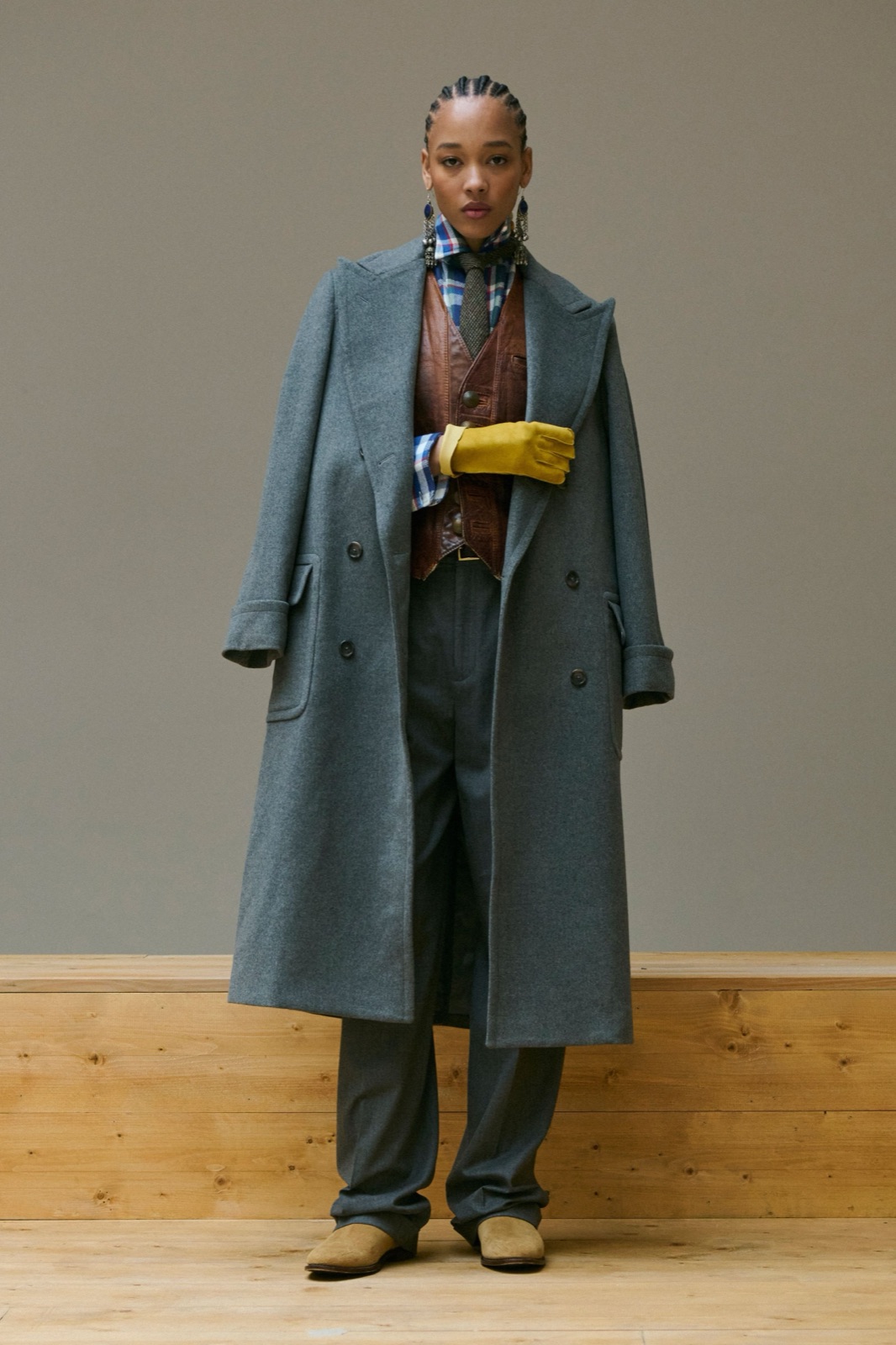
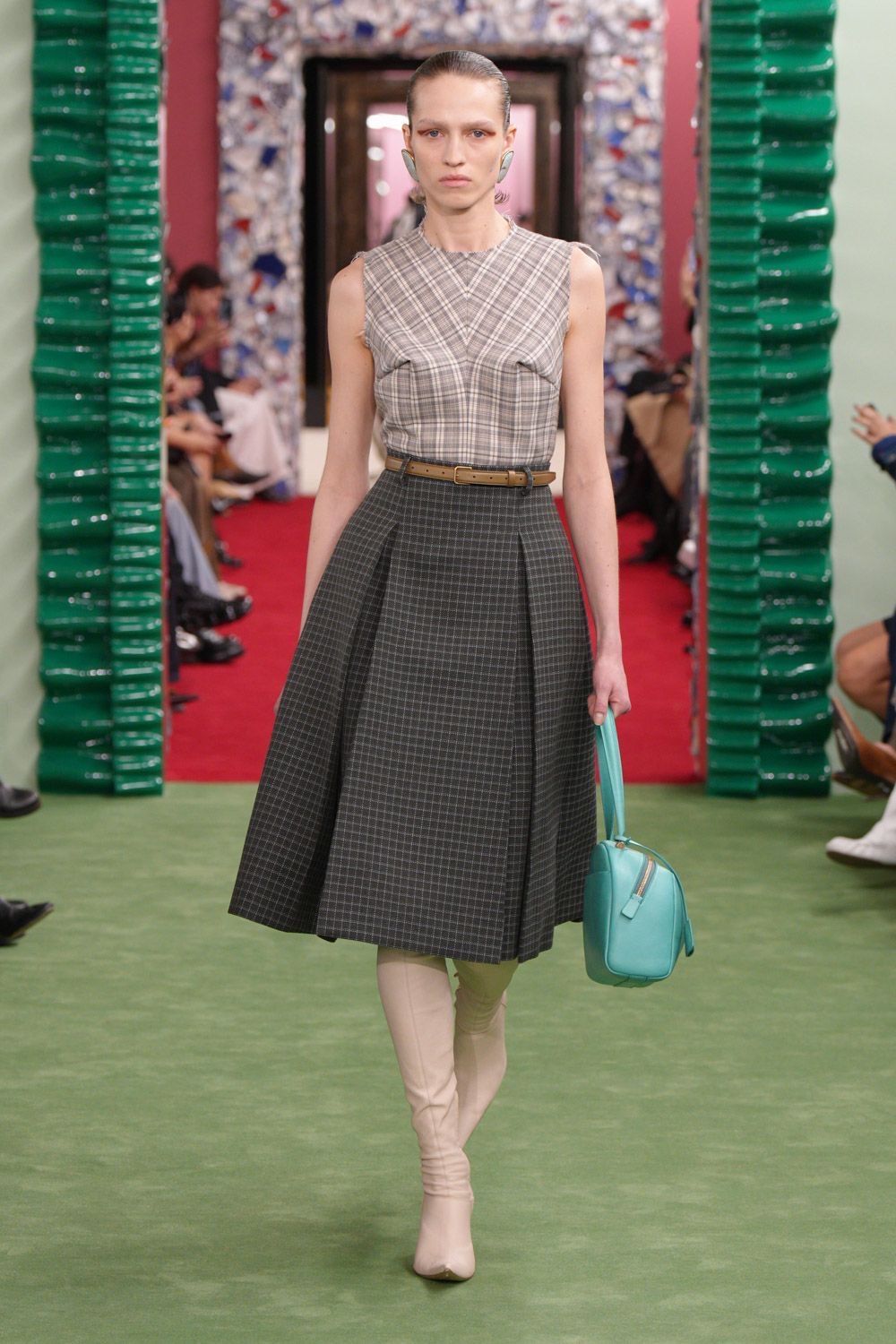
Runway evidence

Working across the platform
Compare this direction and turn the strongest evidence into an editable board.
Result
Restrained neutrals gain depth through moss, mineral gray, and focused red accents.
01 Paris · FW27
02 Milan · FW27
03 Copenhagen · FW27
Ready for the next step
Cited color direction
Trusted by fashion teams






The platform remains the product. Agent helps carry evidence and instructions between the tools your team already uses.
Turn runway coverage into structured season signals.
Search the visual archive for the references that matter.
Develop concepts from your references and direction.
Bring evidence and creative work into one shared board.
Agent supports this workflow. It does not replace the product surfaces or your team’s decisions.
Explore the Fashion OS →Surface the shifts that matter.
Separate shared signals from local nuance.
Carry evidence into the creative review.
Give the Agent the season, market, category, and decision. It will keep source evidence beside every recommendation.
The Agent works from available Insights and runway references, then carries the chosen evidence into the same workspace your team reviews.
Use a live Insights view or define a fresh season question.
See where a direction is shared, distinct, rising, or declining.
Move from cited looks to an editable visual direction.
FAQ
Use Agent with the same evidence, product tools, and review process your team already uses.
It can brief a season, designer, or market, compare contexts, and develop trend, color, print, or material direction from available T-Fashion evidence.
Yes. Research and comparison outputs keep relevant runway evidence and source context with the direction.
Yes. The Agent can use the current Insights view as the scope for a brief, comparison, Moodboard, or design concept workflow.
Start with a market, a category, a designer set, or an Insights view.